I just announced this message on the HPCrazy YT Channel. After a longer period of planing a bigger change in the whole channel stategy is coming now. The goal is to strenghen the community and specific the community here in the HPCrazy Guitar Academy.
-----------------
🎸HPCrazy Community, a NEW WIND is blowing – Guitar as a Lifestyle!🎸
Hey, you crazy guitar souls! 😎
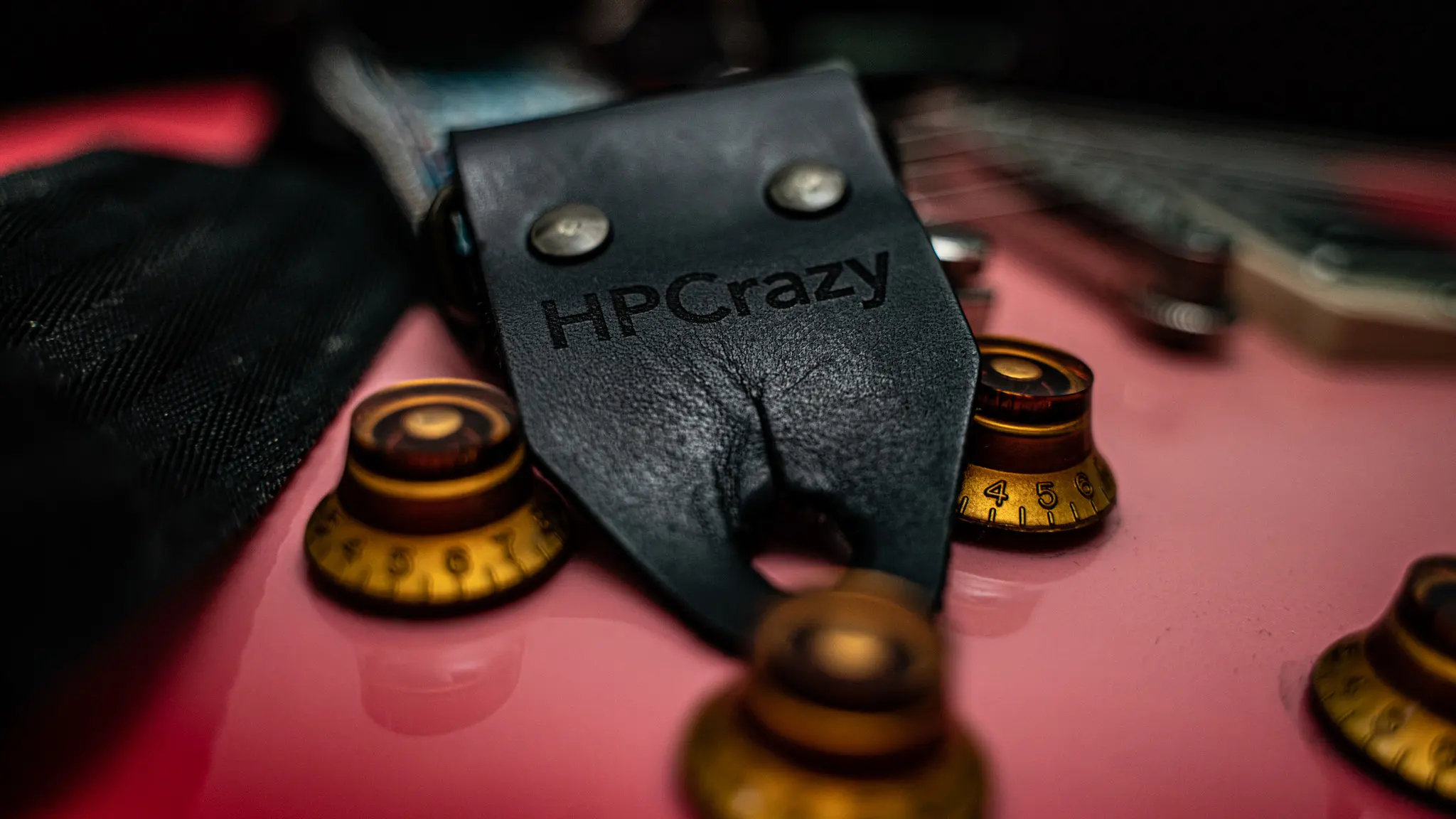
I’m Hanspeter Kruesi, and Dr. Pink just whispered: It’s time for something HUGE! With over 50,900 subscribers and years of pouring emotions into music, we’re leveling up – with fresh tutorials, epic new formats, and pure HPCrazy vibes! 💪"
What’s coming?
Monthly Livestreams to jam and connect with you live! 🎤
Shorts packed with quick tips and Dr. Pink’s crazy energy! 📱
Dr. Pink’s Improvisation Challenges to unleash your creativity! 🎸
A goal: 100,000 subscribers and a stronger HPCrazy Guitar Academy! 🔥
Join the ride! 👉 Tell us in the comments: What tutorials, songs, or challenges do you want to see? 👉 Visit HanspeterKruesi.com to become a Premium Member of the HPCrazy Guitar Academy and rock exclusive content! 👉Stay tuned for a Vlog that spills ALL the details! 😉
“I don’t look crazy, but I am!” – Who’s rocking the T-shirt? Show us! 😜


I just announced this message on the HPCrazy YT Channel. After a longer period of planing a bigger change in the whole channel stategy is coming now. The goal is to strenghen the community and specific the community here in the HPCrazy Guitar Academy.
-----------------
🎸HPCrazy Community, a NEW WIND is blowing – Guitar as a Lifestyle!🎸
Hey, you crazy guitar souls! 😎
I’m Hanspeter Kruesi, and Dr. Pink just whispered: It’s time for something HUGE! With over 50,900 subscribers and years of pouring emotions into music, we’re leveling up – with fresh tutorials, epic new formats, and pure HPCrazy vibes! 💪"
What’s coming?
Monthly Livestreams to jam and connect with you live! 🎤
Shorts packed with quick tips and Dr. Pink’s crazy energy! 📱
Dr. Pink’s Improvisation Challenges to unleash your creativity! 🎸
A goal: 100,000 subscribers and a stronger HPCrazy Guitar Academy! 🔥
Join the ride!
👉 Tell us in the comments: What tutorials, songs, or challenges do you want to see?
👉 Visit HanspeterKruesi.com to become a Premium Member of the HPCrazy Guitar Academy and rock exclusive content!
👉Stay tuned for a Vlog that spills ALL the details! 😉
“I don’t look crazy, but I am!” – Who’s rocking the T-shirt? Show us! 😜
#HPCrazy #DrPink #GuitarAcademy
www.hanspeterkruesi.com
if you love this website please support it either with a
Premium Membership or / and
Farbmusik Supporter Donation