
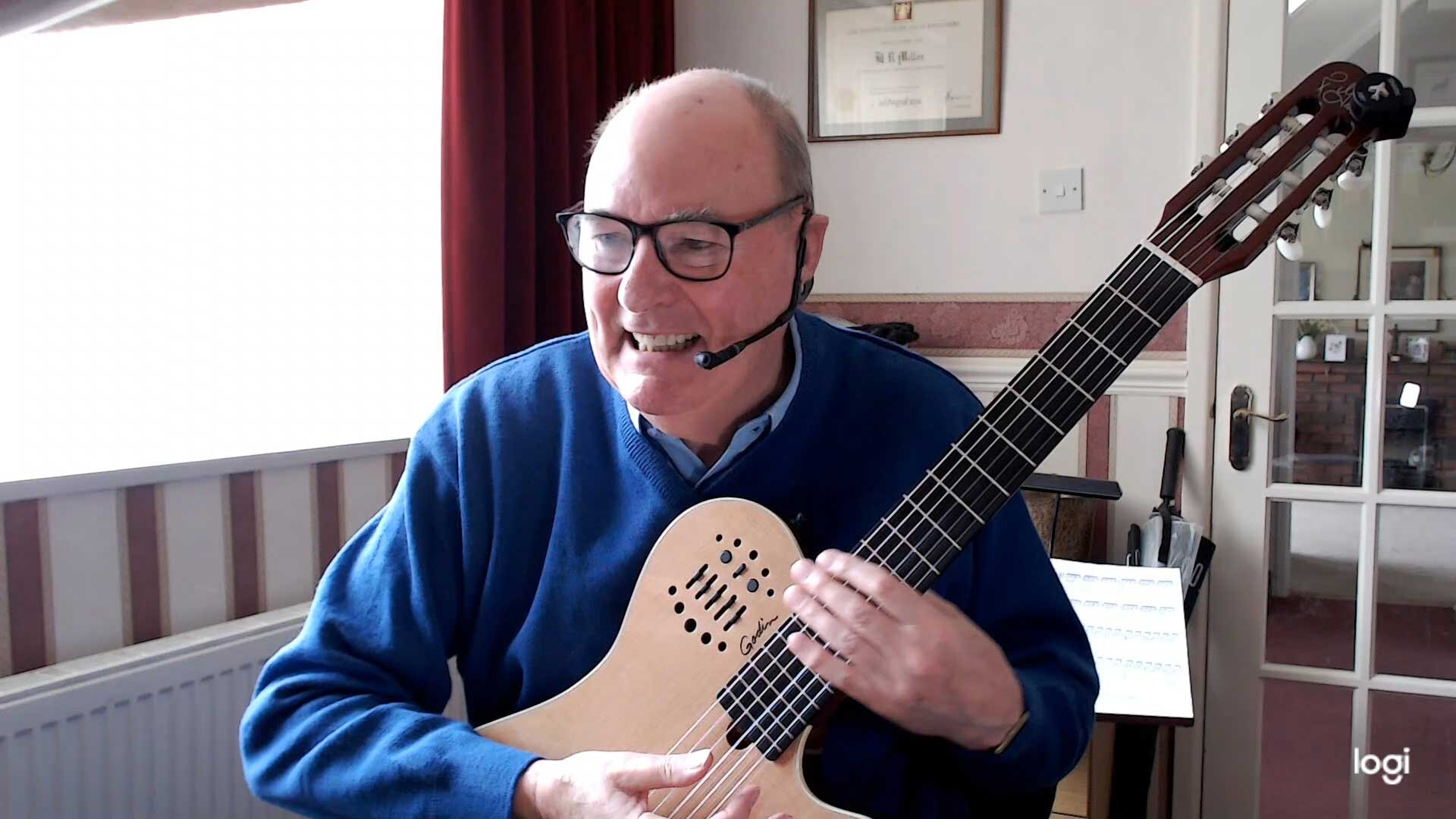

Brian Mellor
-
Joined
-
Last visited
About Me
Hi, I am now a well retired guy who first took up guitar in my late twenties, I played or tried to play steel string electro-acoustic guitars and went to 'evening' classes for about 5 years to learn. During that time I used to go and see my then teacher perform both Classical and Jazz tunes at local venues. With his guidance I then took up Spanish nylon strung Classical guitar and for the next 6 years progresses through Trinity College London to grade 4. Then due to changes in work and home location together with unforeseen medical procedures I didn't play for many, many years. I retired some 10 years ago (2014) and re-kindled my love for the nylon strung classical guitar and have self taught myself with the help of the internet all over again. This is now my all consuming hobby and I can now practice every day and I perform regularly 2-4 times a month at local 'Open Mic' nights. I am still on a continuous learning curve even at my grand age of 78 and I happily cannot see it ending. 