Skip to content
View in the app

A better way to browse. Learn more.

Hanspeter Kruesi .com

A full-screen app on your home screen with push notifications, badges and more.

To install this app on iOS and iPadOS
  1. Tap the Share icon in Safari
  2. Scroll the menu and tap Add to Home Screen.
  3. Tap Add in the top-right corner.
To install this app on Android
  1. Tap the 3-dot menu (⋮) in the top-right corner of the browser.
  2. Tap Add to Home screen or Install app.
  3. Confirm by tapping Install.
Search Tags !

Feel The Space ( Blues Guitar Duo in Dolby Atmos ) 1.0.0

(1 review)

1 Screenshot

Guitar Dolby Atmos Showcase: Country Blues Duo

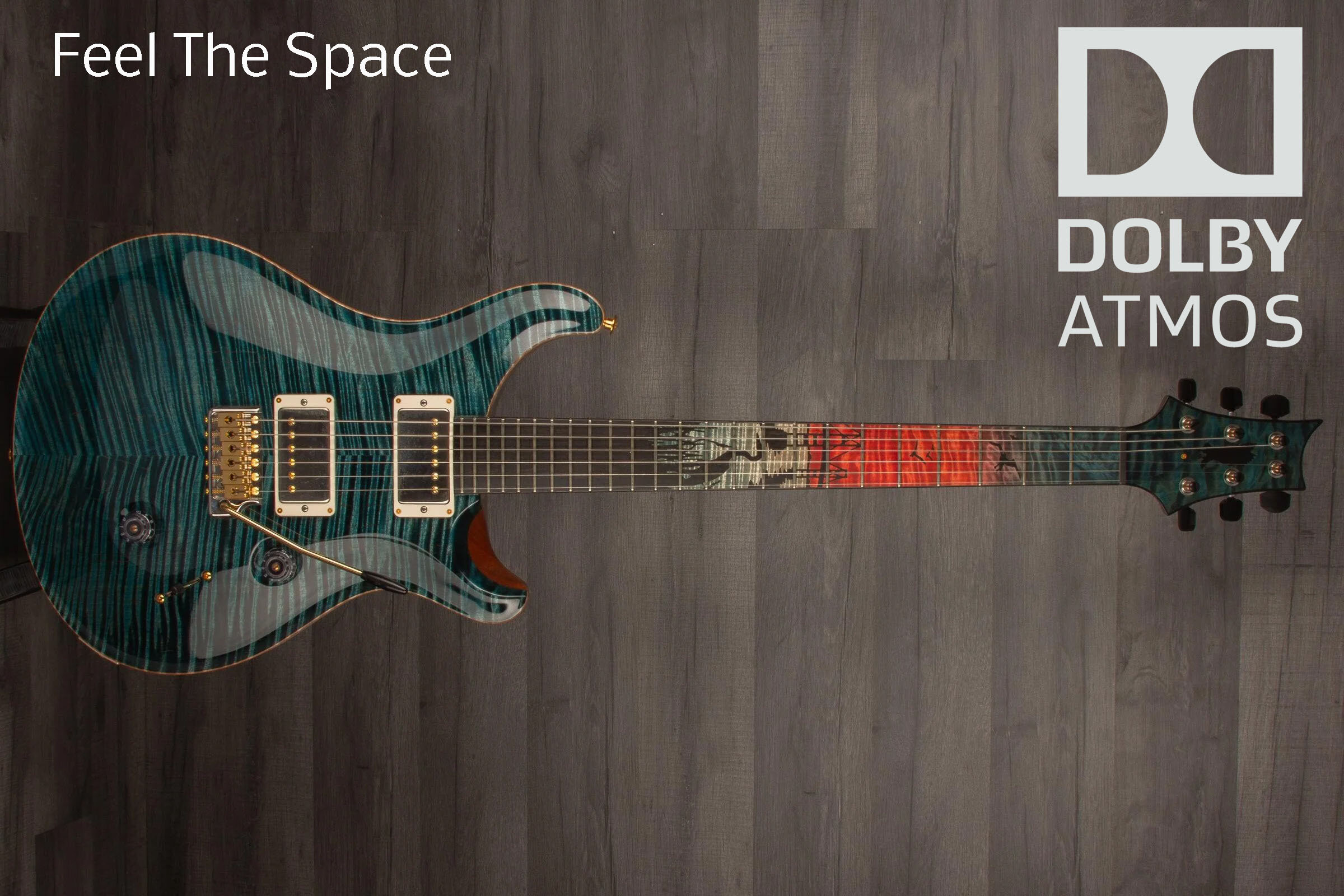
Experience a unique blues guitar duo recording featuring my PRS Private Stock Chesapeake Bay. This session was specifically designed for a Dolby Atmos environment to showcase the extraordinary harmonic richness of this instrument.

As you listen, you will notice how the overtones of this rare guitar develop within a meticulously crafted sonic space. I have engineered a natural asymmetric room for this recording—closely emulating the world-class acoustics of legendary venues like the KKL in Lucerne.

The combination of a Fender Vibro King amp and this high-end guitar captures every nuance and micro-detail of the performance. To preserve the "Human Sovereignty" and the wooden character of the tone, no compressors were used.

Technical Note: I am offering this recording in High-Res Binaural Audio. To experience the full 3D room, the precise placement, and the breathtaking details of the sound, please listen with high-quality headphones.

User Feedback

Join the conversation

You can post now and register later. If you have an account, sign in now to post with your account.

Guest
  • This will not be shown to other users.

  • Your review Required
    Add a review...

   1 of 1 member found this review helpful 1 / 1 member

amazing, thank you!

Account

Navigation

Search

Search

Configure browser push notifications

Chrome (Android)
  1. Tap the lock icon next to the address bar.
  2. Tap Permissions → Notifications.
  3. Adjust your preference.
Chrome (Desktop)
  1. Click the padlock icon in the address bar.
  2. Select Site settings.
  3. Find Notifications and adjust your preference.