Skip to content
View in the app

A better way to browse. Learn more.

Hanspeter Kruesi .com

A full-screen app on your home screen with push notifications, badges and more.

To install this app on iOS and iPadOS
  1. Tap the Share icon in Safari
  2. Scroll the menu and tap Add to Home Screen.
  3. Tap Add in the top-right corner.
To install this app on Android
  1. Tap the 3-dot menu (⋮) in the top-right corner of the browser.
  2. Tap Add to Home screen or Install app.
  3. Confirm by tapping Install.
Search Tags !

Empty Music ( Guitar ) Sheets 1.0.0

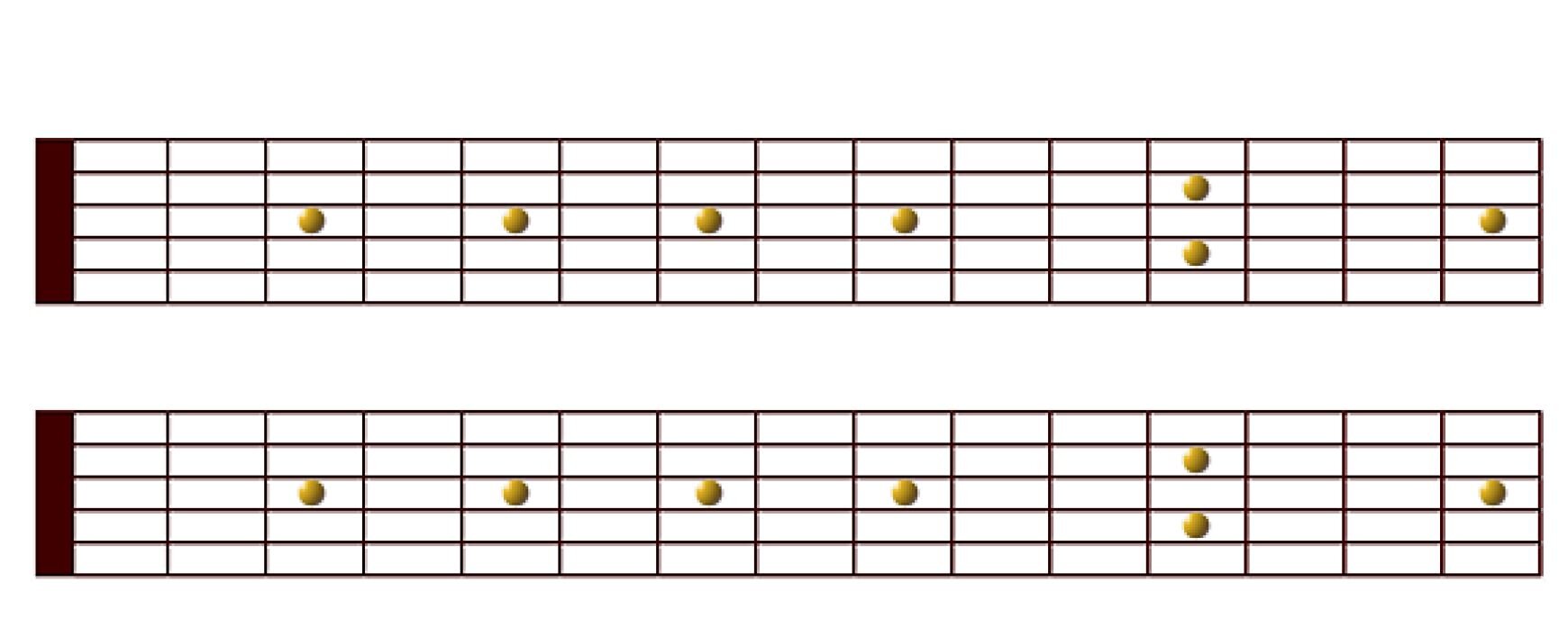
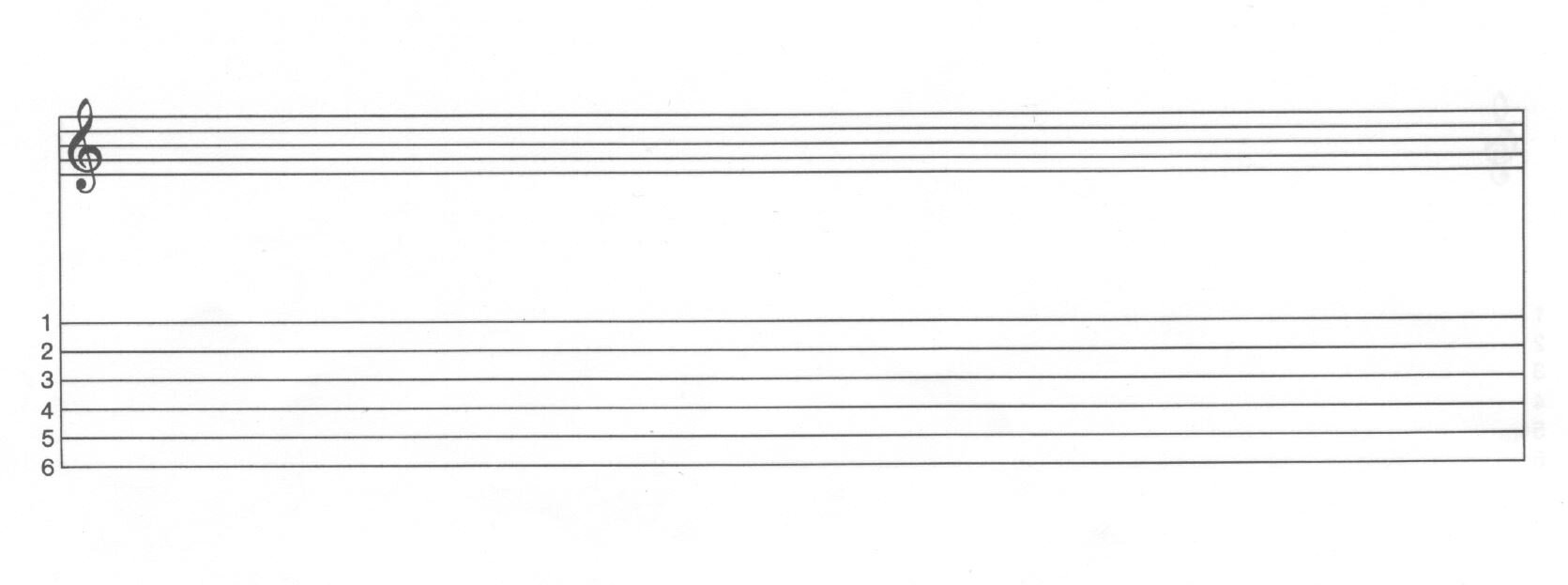
(1 review)

3 Screenshots

Here you find 3 PDF's for download. One is a sheet with the fretboard, one with chord charts and one with tabs and empty notation lines. If you are really into music and want to make some notes during your studies on guitar you can print them out and make your notes on those empty sheets. I recommend for any students to make own notes on theory, chord charts or you can also write down your own licks and ideas and in fact it makes sense to also try to write down your ideas in real notation and not only tabs. Specially if you are into jazz guitar it is strongly recommended that you also learn to read and write written music as notes and not as tabs.

 

User Feedback

Join the conversation

You can post now and register later. If you have an account, sign in now to post with your account.

Guest
  • This will not be shown to other users.

  • Your review Required
    Add a review...

   1 of 1 member found this review helpful 1 / 1 member

Many thanks HP, really useful download.

Response from the author:

Hey Stick - thanks for the feedback. :)

Account

Navigation

Search

Search

Configure browser push notifications

Chrome (Android)
  1. Tap the lock icon next to the address bar.
  2. Tap Permissions → Notifications.
  3. Adjust your preference.
Chrome (Desktop)
  1. Click the padlock icon in the address bar.
  2. Select Site settings.
  3. Find Notifications and adjust your preference.