
Leaderboard


Popular Content
Showing content with the highest reputation on 11/29/2025 in all areas
-
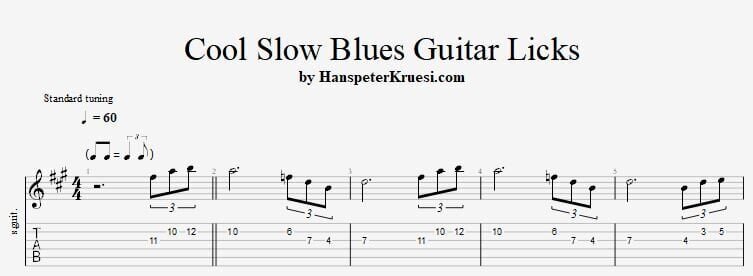
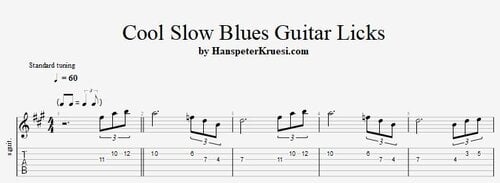 Here you find some really cool slow blues guitar licks for a blues in the key of D. The backing track is on 55bpm so it's really slow. These files are associated to this tutorial :Free1 point
 -
1 pointHere I show you some really cool slow blues guitar licks in a blues in the key of D. They are quite easy to play and sound really cool. Here you can download the files associated to this tutorial :
 1 point
 -
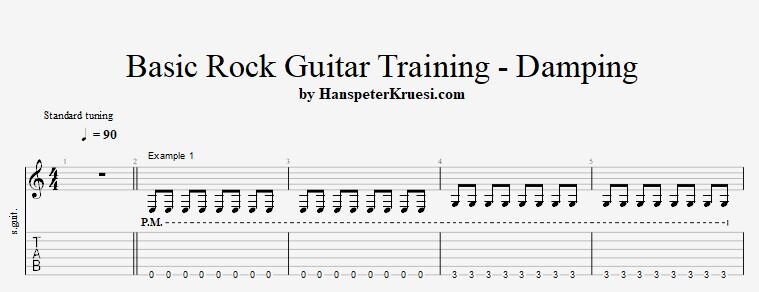
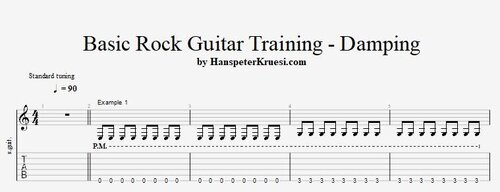 Here you find 5 basic exercises where you can learn the very basics of the rock guitar damping technique. The tabs work great together with the backing track with only drum and bass. These files are associated to this tutorial :Free1 point
 -
Here I show the crucial exercises to learn the rock guitar damping technique from scratch. Here you can download the files associated to this tutorial :
 1 point
 -
Here you learn the first steps of rock lead guitar which includes : Understanding guitar distortion, counting while playing, playing a simple melody, playing a simple melody with tone control and improvising a simple melody with tone control.1 point