
Leaderboard


Popular Content
Showing content with the highest reputation on 11/04/2025 in all areas
-
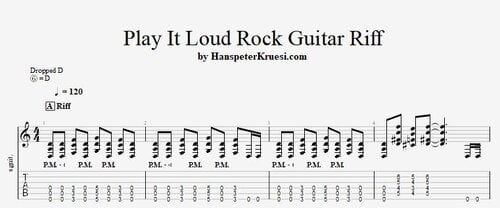 Here you find the tabs and the backing track for a very cool intermediate rock guitar riff played with a drop D tuning. The rock backing track is with 120bpm. These files are associated to this tutorial :Free1 point
 -
Play It Loud ! Rock Guitar Riff
marko anastasov reacted to admin for a post in a topic
1 pointHere i show you a very cool rock guitar riff with a drop D tuning which is supposed to be played loud !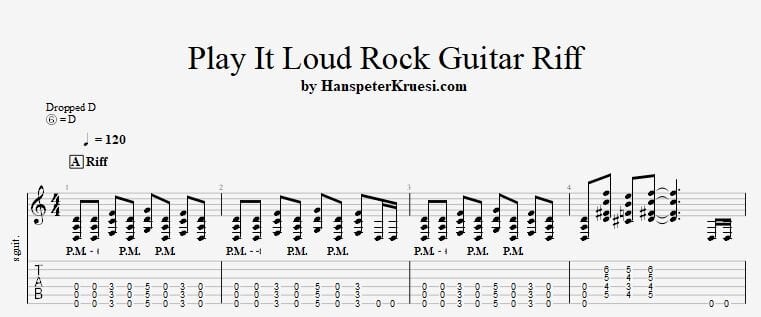 1 point