
Leaderboard


Popular Content
Showing content with the highest reputation on 09/29/2025 in all areas
-
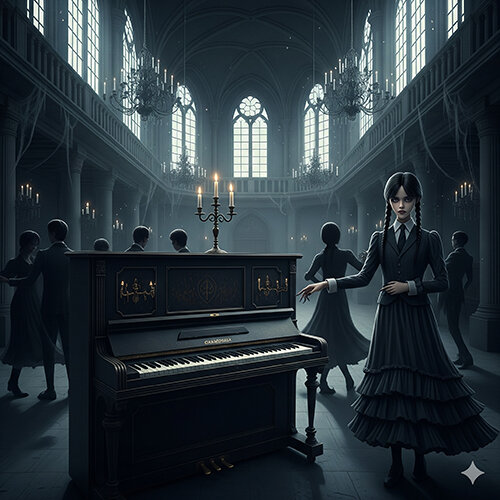
1 pointEin Piano Stück, welches für eine etwas düstere Szene in einem Horror Film komponiert wurde. In diesem Stück war die Vorgabe, dass sich ein einziges musikalisches Motiv durch das Stück durchziehen würde und ein Stimmung erzeugt werden sollte, welche den Zuschauer in den Bann ziehen sollte. Ich habe mich in der Komposition für ein Motiv und eine Akkordstruktur rund um C melodisch Moll entschieden um diesen mystischen " horror " Effekt zu erzielen. Das immer gleiche Motiv ist der rote Faden durch das Stück und die wechselden dissonnaten Basstöne erzeugen die Spannung, welche in diesem Genre angemessen ist. Das Stück heisst " Death Dane " und ist hier zu hören : Piano Filmmusik - Film Musik Klavier WerkeProfessionelle Piano Filmmusik mit Orchester oder Solo Piano für Filme und Events. Jetzt Pianisten für Ihre Projekte buchen!A piano piece composed for a somewhat dark scene in a horror film. The requirement for this piece was that a single musical motif would run through the entire piece and create a mood that would captivate the audience. In the composition, I chose a motif and chord structure based on C melodic minor to achieve this mystical “horror” effect. The recurring motif is the common thread throughout the piece, and the changing dissonant bass notes create the tension appropriate for this genre.
 1 point