
Leaderboard


Popular Content
Showing content with the highest reputation on 01/20/2025 in Files
-
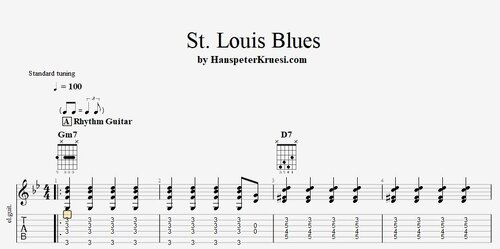 Here you find the tabs of the " St. Louis " including an old style rhythm guitar and the theme of the first 2 parts which are played most. I also added the " real book " sheet music where you can also check out the last part. The backing track is on 100 bpm. These files are associated to this tutorial :Free1 point