Leaderboard


Popular Content
Showing content with the highest reputation on 12/11/2024 in all areas
-
Here I show you a swinging shuffle blues guitar riff by using a technique which you know from artists like SRV. Even the riff is probably something you already know - there is a lot of " meat " in this tutorial and it's worth it for you to check it out. Here you can download the files associated to this tutorial :1 point
-
 Here you find the tabs and the backing track of a cool intermediate swinging shuffle blues guitar riff in the key of A. It's a 12 bar blues form but a bit different then the standard blues form. These files are associated to this tutorial here :Free1 point
 -
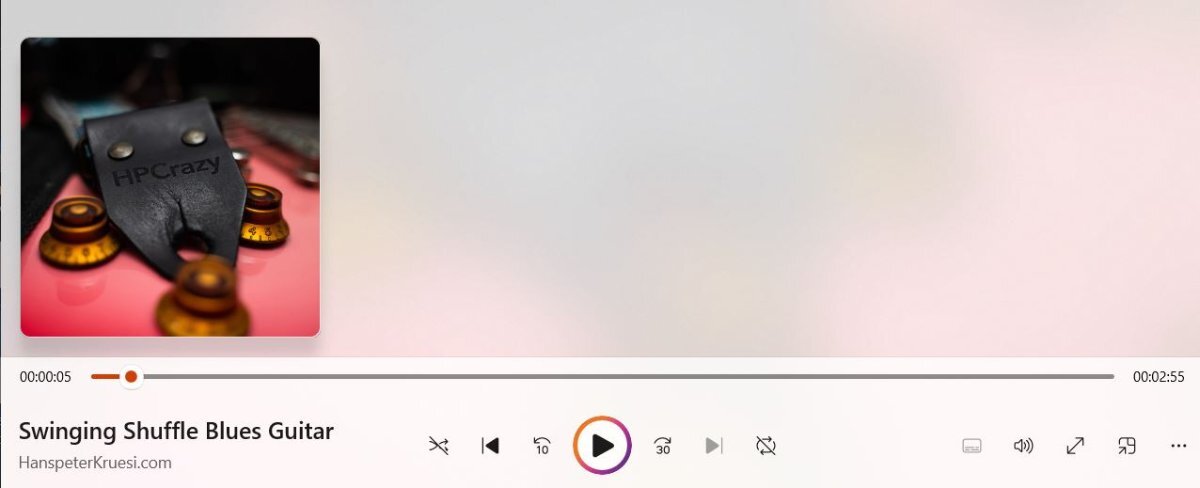
I have changed the MP3 tagging system now of all future mp3 files which premium members can download. Now the tags contain the information : Title HanspeterKruesi.com HPCrazy Guitar Academy Backing Tracks Logo This will help you to better organize your downloaded backing tracks on your device. Here you find a screenshot of the windows media player of this track here :
 1 point