Skip to content
View in the app

A better way to browse. Learn more.

Hanspeter Kruesi .com

A full-screen app on your home screen with push notifications, badges and more.

To install this app on iOS and iPadOS
  1. Tap the Share icon in Safari
  2. Scroll the menu and tap Add to Home Screen.
  3. Tap Add in the top-right corner.
To install this app on Android
  1. Tap the 3-dot menu (⋮) in the top-right corner of the browser.
  2. Tap Add to Home screen or Install app.
  3. Confirm by tapping Install.
Search Tags !

Leaderboard

Popular Content

Showing content with the highest reputation on 09/19/2024 in Posts

  1. Personal News Feed

    Randy reacted to admin for a post in a topic

    1 point
    I will add upcoming news of my activities here - also those which are time sensual such as spontaneous livestreams. If you don't want to miss them then just " Follow " this topic. The news feed also includes updates in my personal professional blog where I share some useful background information about guitar practicing strategies, composing, music business or anything else.

  2. Personal News Feed

    Randy reacted to admin for a post in a topic

    1 point
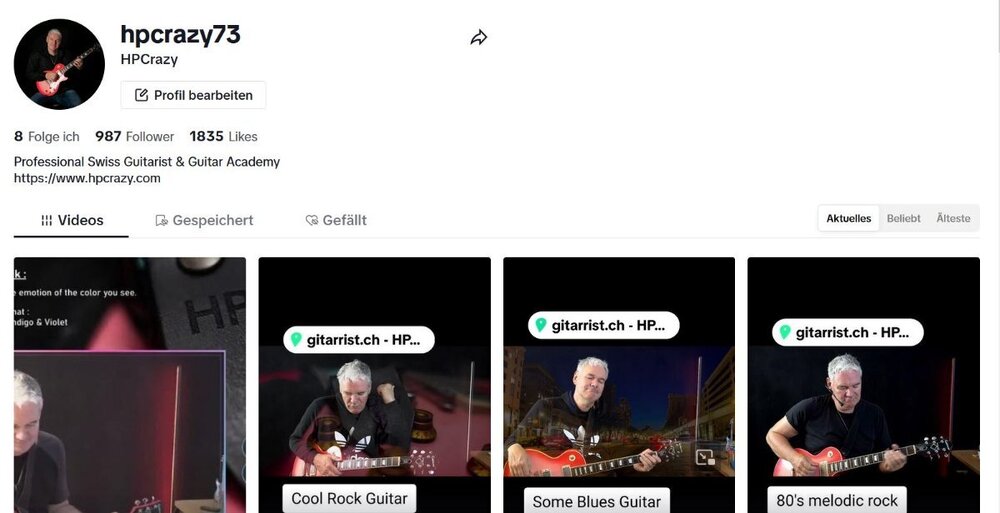
    I will do a livestream this afternoon on my TikTok channel. Don't exactly know what I will be playing but I can tell that I will do a longer livestream and probably focus on jazz guitar and touch technique. You find my tiktok channel here - you can of course also subscribe there :
Account

Navigation

Search

Search

Configure browser push notifications

Chrome (Android)
  1. Tap the lock icon next to the address bar.
  2. Tap Permissions → Notifications.
  3. Adjust your preference.
Chrome (Desktop)
  1. Click the padlock icon in the address bar.
  2. Select Site settings.
  3. Find Notifications and adjust your preference.