
Leaderboard


Popular Content
Showing content with the highest reputation on 05/24/2024 in Files
-
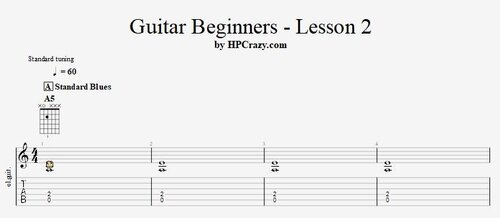 Here you find the tabs and the backing track of the guitar beginners 2 tutorial. Here you learn the standard blues form and you start with some basic exercises to so some solo guitar. The tempo is only 70 bpm so that you should have enough time to get your fingers in position. These files are associated to this tutorial :Free1 point