
Leaderboard


Popular Content
Showing content with the highest reputation on 04/22/2024 in Files
-
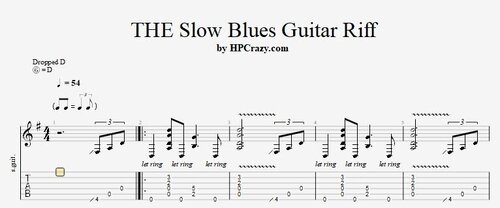 Here you find the tabs and the backing track of THE slow blues guitar riff played with a drop D tuning. These files are associated to this tutorial :Free1 point
 -
1 point
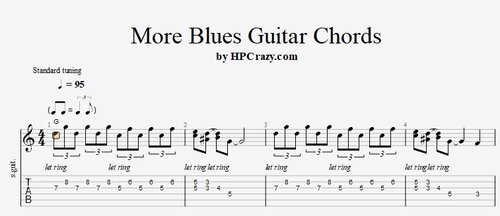 More Blues Guitar Chords ( G )- Tabs & Backing Track ( Drum + Bass only ) Here you find the tabs of one chorus of a blues guitar solo in the key of G. It works in any band setting but especially in the trio with only drum, bass and guitar it works great since the chords fill out the sound really nice. The backing track is only drums and bass so that you can really work on this topic here. Here you find the tutorial associated to these files :Free1 point
 -
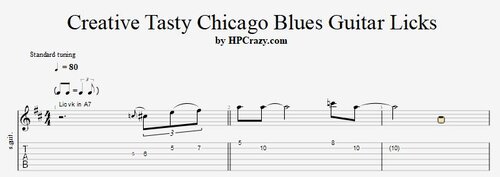 Mixolydian Chicago Blues Guitar Licks & backing track in A7 Here you find a few mixolydian blues guitar licks which you can use in a blues in A or any other x7 chord. You can learn these licks by heart and then just transpose them to the chord ( key ) of your choice. The turn around lick only works on the finally 2 bars of any 12 bar chicago blues. These files are associated to this tutorial here :Free1 point