
Leaderboard


Popular Content
Showing content with the highest reputation on 09/05/2023 in all areas
-
1 pointHere I give you some advanced tips and tricks to play on a regular slow minor blues by following the chords and using modes. This way you can expand the possibilities of your expression and sound in minor blues. You find the files associated to this tutorial here :1 point
-
1 point
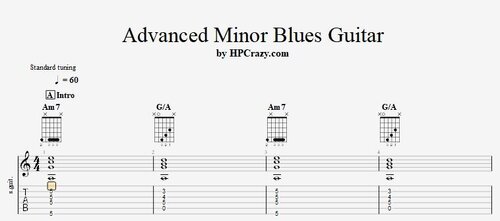 Here you find a great minor blues backing track in the key of Am. In the tabs you find the chords and the advanced modes which you can use in this minor blues. These files are associated to this tutorial here :Free1 point
 -
1 pointHere you find me and some of my Swiss Blues Guitar buddies on a Swiss Collab Blues Guitar Video. It has been offline for a while due to some copyright issues but it is now back online. You find here the selection of the 8 top Swiss Blues Guitar players and I am honored to be a part of this video. The others are : Heiko Freund Didi Meier Sascha Knell Richard Koechli Me ( HPCrazy ) Philipp Bluedög Gerber Tom Marcozzi Stefan Schroff1 point