Skip to content
View in the app

A better way to browse. Learn more.

Hanspeter Kruesi .com

A full-screen app on your home screen with push notifications, badges and more.

To install this app on iOS and iPadOS
  1. Tap the Share icon in Safari
  2. Scroll the menu and tap Add to Home Screen.
  3. Tap Add in the top-right corner.
To install this app on Android
  1. Tap the 3-dot menu (⋮) in the top-right corner of the browser.
  2. Tap Add to Home screen or Install app.
  3. Confirm by tapping Install.
Search Tags !

Leaderboard

Popular Content

Showing content with the highest reputation on 05/28/2023 in all areas

  1. Clean Sound

    Randy reacted to admin for a post in a topic

    1 point
    To get a good clean sound - set your amp on the " clean " amp - then you can work with the gain to have more or less punch in the sound and with the master and the output / volume you define the loudness. Put " Bass / Mid / Treble " on a neutral middle position. That's it. You don't need any software.
  2. Clean Sound

    Randy reacted to Greg for a post in a topic

    1 point
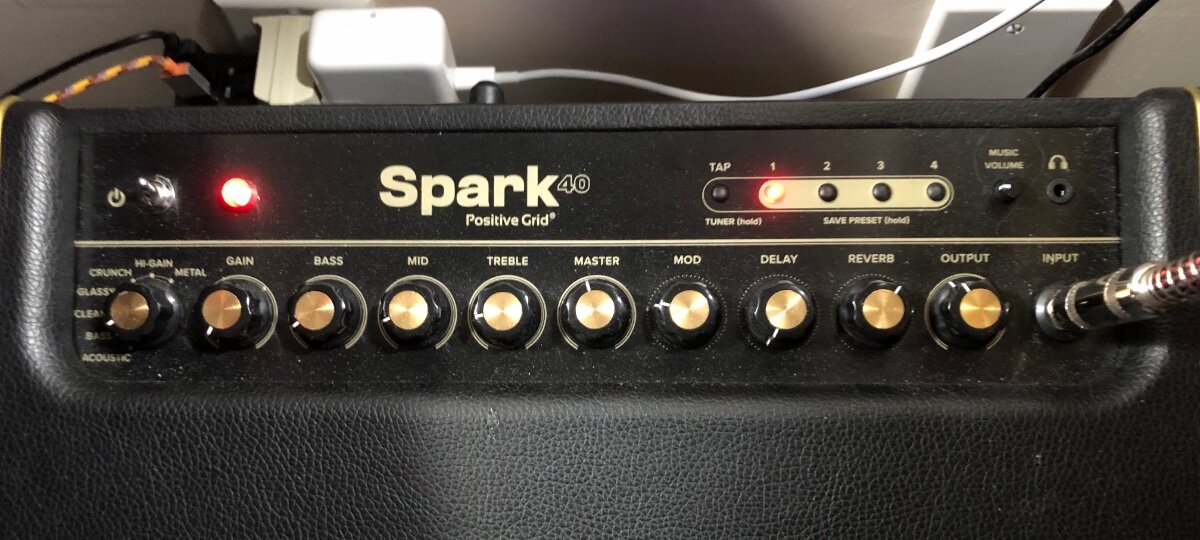
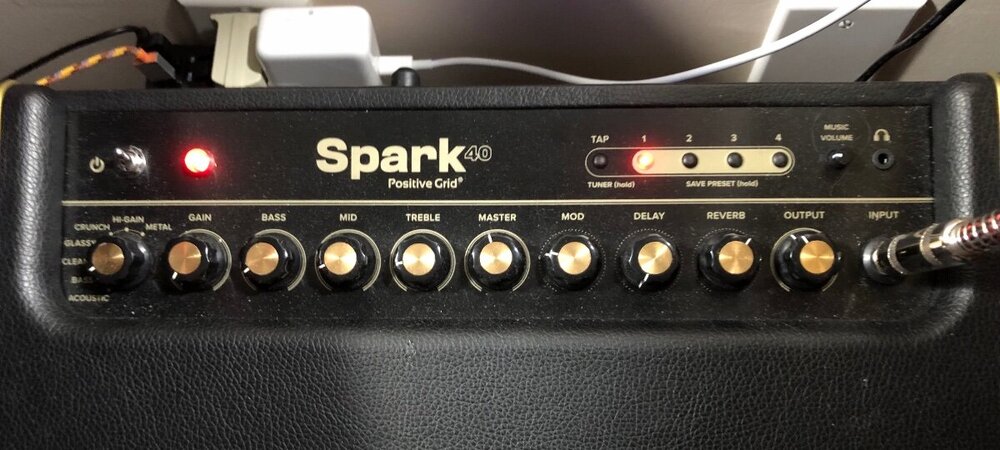
    Excellent……enjoyed that lesson/review and I have a better understanding…exactly what I needed. A couple of questions for you…… 1). What exactly does the “gain control” do as I do not understand its function. I also have a “ output” adjustment not sure of its function either. I have attached a photo of the amp controls. 2). What software do you use. From what I can see it appears quite complex. 3). Is the sound projecting from the shelf speakers as part your set up?
Account

Navigation

Search

Search

Configure browser push notifications

Chrome (Android)
  1. Tap the lock icon next to the address bar.
  2. Tap Permissions → Notifications.
  3. Adjust your preference.
Chrome (Desktop)
  1. Click the padlock icon in the address bar.
  2. Select Site settings.
  3. Find Notifications and adjust your preference.