
Leaderboard


Popular Content
Showing content with the highest reputation on 05/09/2023 in all areas
-
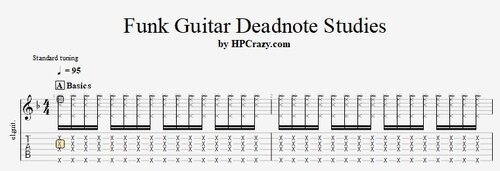 Here you find some basic exercises & some cool licks with deadnotes which work great on any funk guitar setting. I am usind the Dm7 chord and the backing track is all in Dm so you can jam with that cool backing track. These files are associated to this tutorial here :Free1 point