Skip to content
View in the app

A better way to browse. Learn more.

Hanspeter Kruesi .com

A full-screen app on your home screen with push notifications, badges and more.

To install this app on iOS and iPadOS
  1. Tap the Share icon in Safari
  2. Scroll the menu and tap Add to Home Screen.
  3. Tap Add in the top-right corner.
To install this app on Android
  1. Tap the 3-dot menu (⋮) in the top-right corner of the browser.
  2. Tap Add to Home screen or Install app.
  3. Confirm by tapping Install.
Search Tags !

Leaderboard

Popular Content

Showing content with the highest reputation on 05/03/2023 in all areas

  1. 2 points
    Sure is pretty:). Congrats and enjoy….you sure deserve it!
  2. 1 point
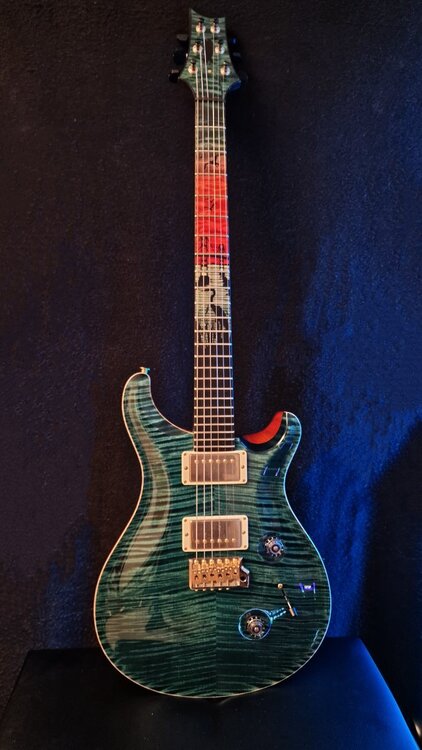
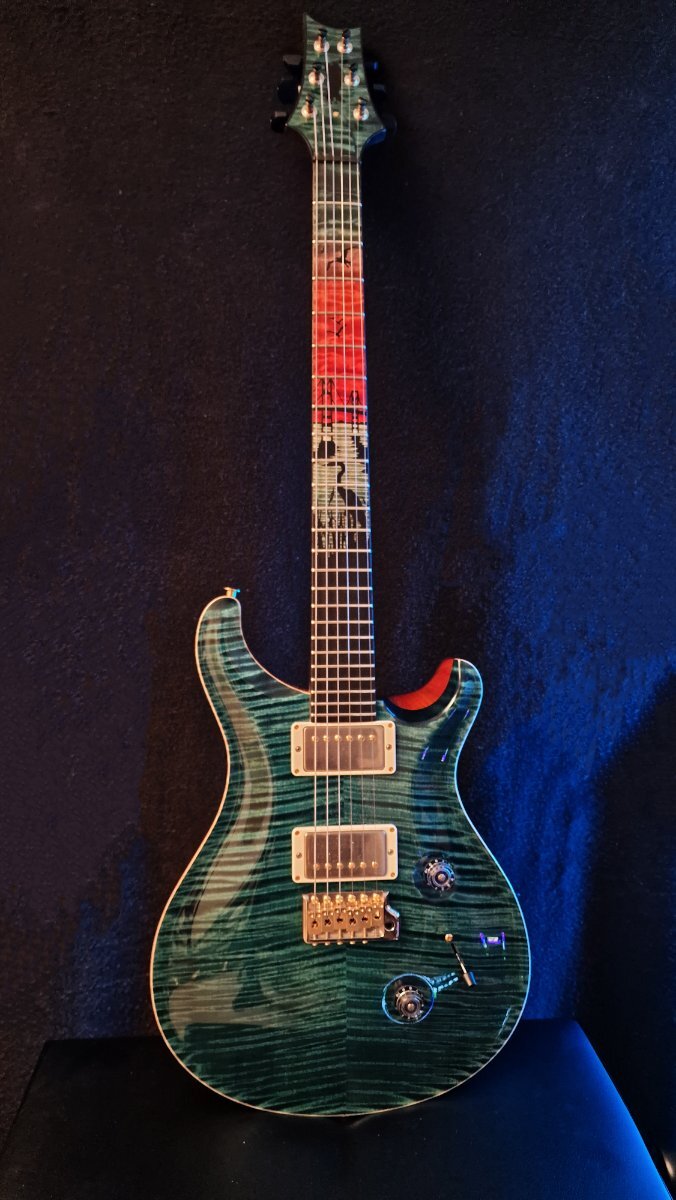
    Here's now a good foto of Mrs. Blue :
  3. 1 point
    I now recorded a first tutorial with this guitar - just to see how it works out. I checked the footage out a bit now and good news for the Dr. Pink fans. Dr. Pink will stay on the tutorials. Due to the different colors of the fretboard the autofocus on my professional camera has difficulties which makes total sense. Camera's often have difficulities with close - ups on fretboards when set to autofocus.

Account

Navigation

Search

Search

Configure browser push notifications

Chrome (Android)
  1. Tap the lock icon next to the address bar.
  2. Tap Permissions → Notifications.
  3. Adjust your preference.
Chrome (Desktop)
  1. Click the padlock icon in the address bar.
  2. Select Site settings.
  3. Find Notifications and adjust your preference.