Leaderboard


Popular Content
Showing content with the highest reputation on 03/03/2023 in all areas
-
1 pointHere I show a minor jazz blues guitar in the key of Cm which is the standard key for most minor blues types tunes in jazz - such as Mr. PC, Footprints or Equinox. I am talking about the standard minor blues form and showing your the chords and going into the analysis of the modes in detail. I talk about the old style version by using mostly the C minor blues scale and the modern version with modal interchange and alterations. Here you can download the files associated to this tutorial here : If you need any further professional support please book a private online guitar lesson here : https://www.hanspeterkruesi.com/members/store/category/1-private-online-guitar-lessons/1 point
-
 Here you find the tabs for a standard minor blues in the key of Cm which is the standard key for most minor blues tunes in jazz. In the first part you have the chords and in the 2nd parts the modes which are used in a modern version of an improvisation in one position. The backing track is only drums and bass. These files are associated to this tutorial here :Free1 point
 -
Hey guys, I ran into a problem with my newsletter - my hosting provider does not accept so many emails sent by the newsletter system here. So I will stop the newsletter my email, but you can keep yourself updated here by just showing up here from time to time - and I still will write a newsletter which will be posted in the newsletter section.1 point
-
There is a new section in the download area : Meditation Guitar https://www.hanspeterkruesi.com/members/files/category/10-meditation-guitar/1 point
-
Updated Search Tags in the Music Theory and Musical Exercises department : music theory theory exercises technical exercises1 point
-
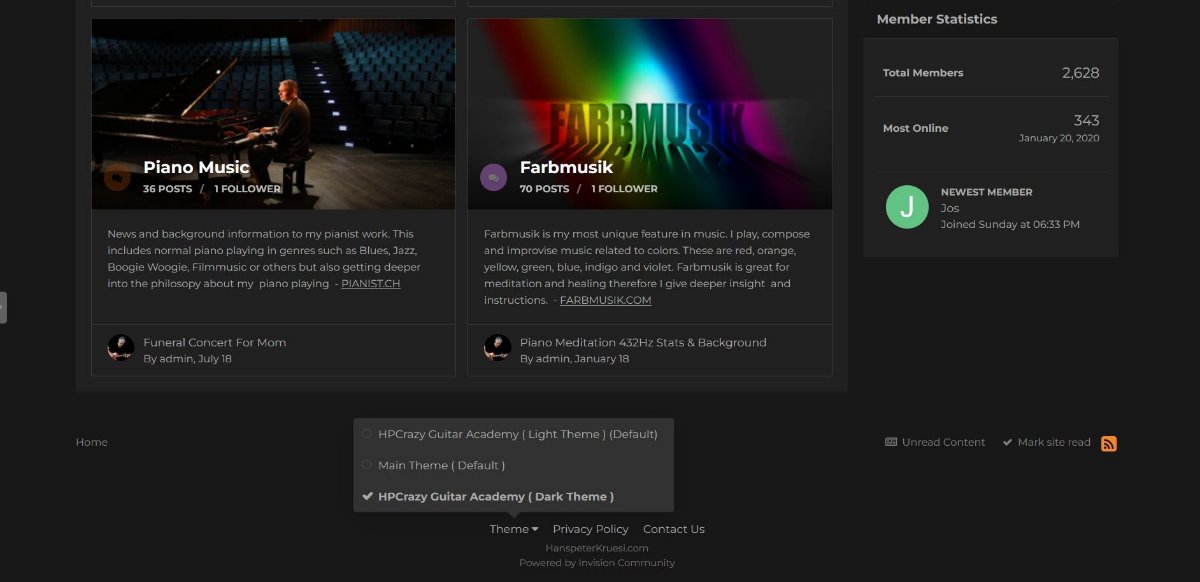
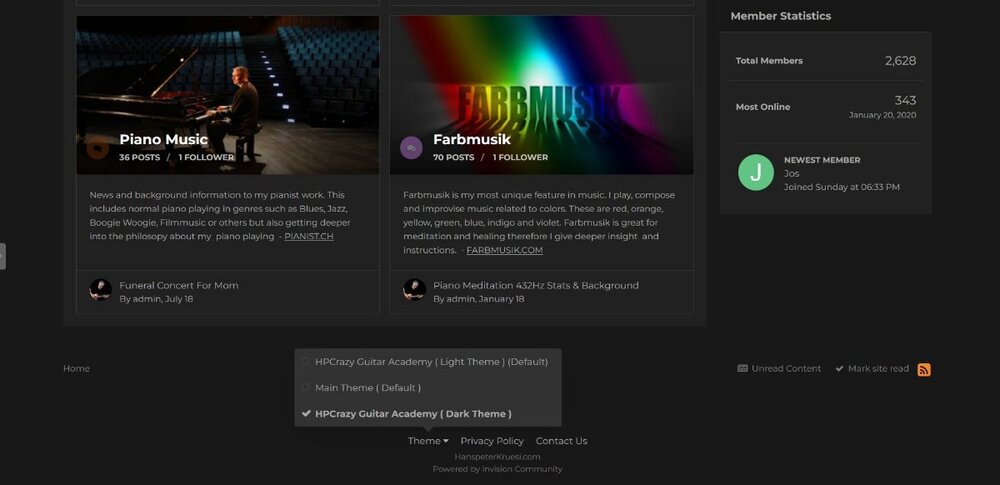
The complete Redeign of this page is now completed. Here are all new features : 1. HPCrazy Guitar Academy - comes now with new pics, new order and additional search tags. 2.Guitar Students Club - all status updates which are made are now featured on the top of the page when you enter the guitar students club. This is an easier way to diplay your thoughts about any topic to the small community here. 3. Light & Dark Theme - when you scroll down the page you find the button " Theme " - there you can selecet between 2 light themes and a dark theme. Sometimes when you switch between different themes you get an error message. Then just try once more then it works. 4. Foto's & Pics - Most of the foto's and pics around HPCrazy.com and the HPCrazy Guitar academy have been exchanged now to other foto's and pics.1 point
-
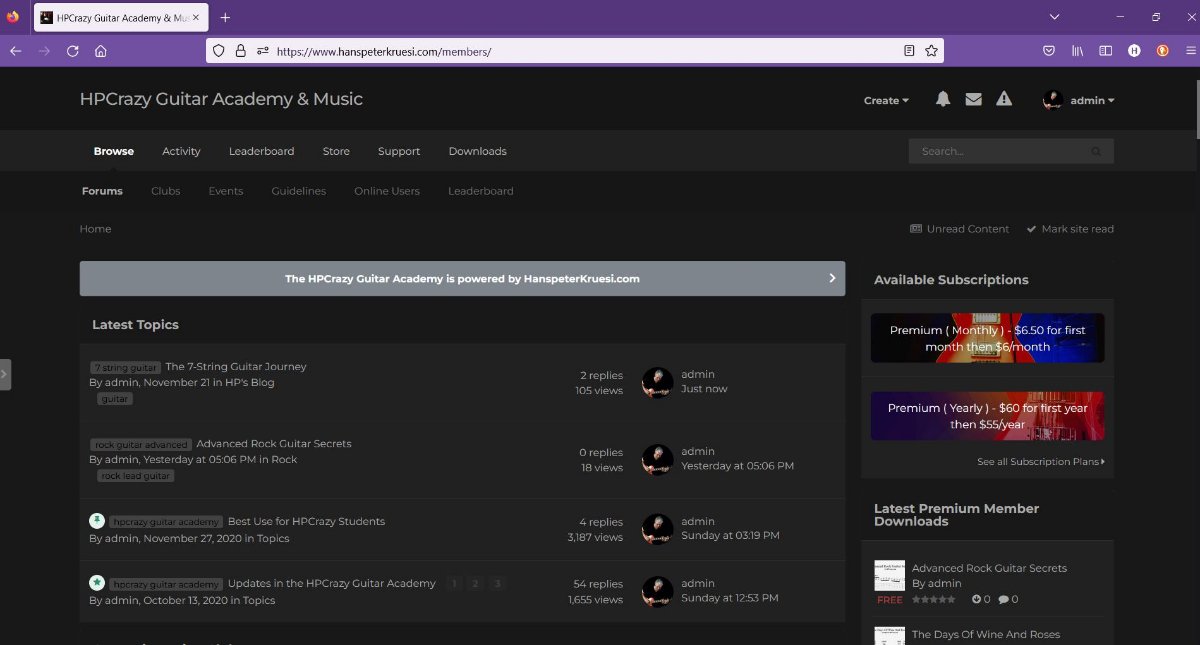
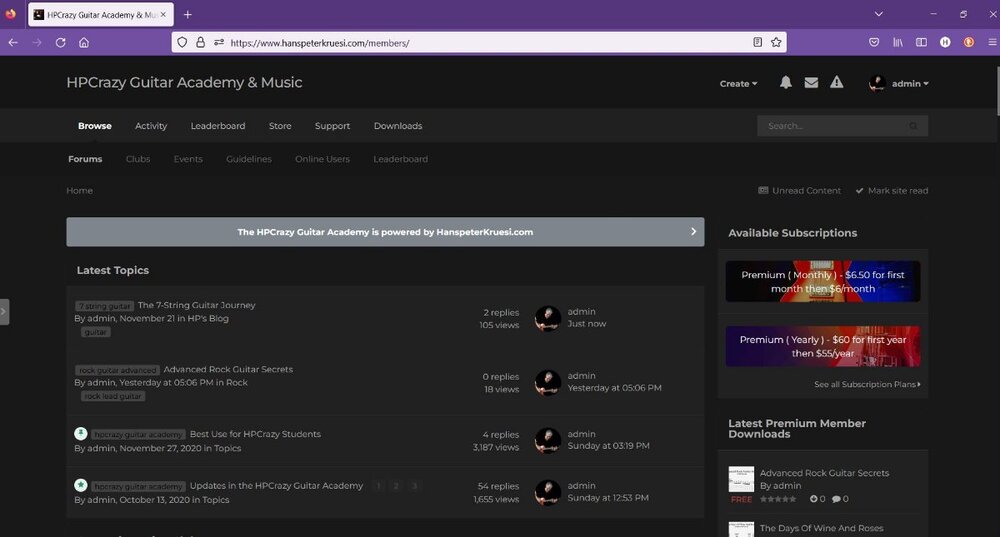
With the recent update comes now the possibility to switch from light design to dark design. Here is how it looks : if you want to change to dark design scroll down to the buttom of the bage and there you find the " theme " selection. If you don't like it you can switch back to light design.
 1 point