
Leaderboard
-

-
Michael Bates
MembersPoints166Posts -


Popular Content
Showing content with the highest reputation on 05/24/2022 in all areas
-
Creative Blues Rock Guitar - Shuffle Riff
admin reacted to Michael Bates for a post in a topic
1 pointThe track sounds great. I'm playing along, and I'm hearing that bass and it's blowing me away!1 point -
1 pointHi Hanspeter, that sounds great! Yes indeed, crispy Very valuable tips... both about the mixolidian sound and the rhythm (not easy). Extremely cool your "Crispy Blues Guitar Tutorial"! Thanks & greets1 point
-
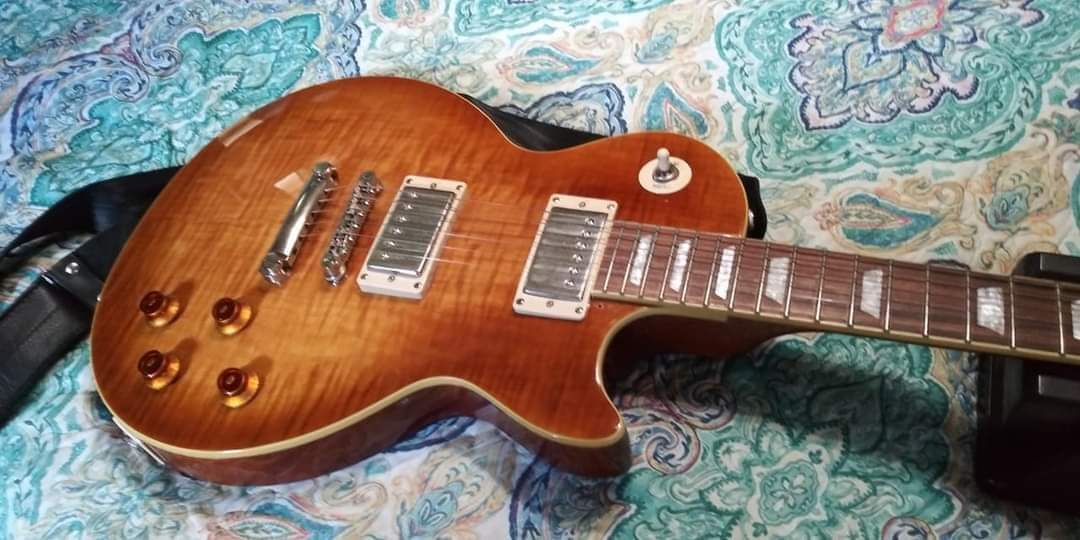
1 pointI got so many mails and messages related to Dr. Pink and which model she is. ( yes is a " she " ) - thats the first point. And the reason why Dr. Pink sounds so good even for an Epiphone is that Dr. Pink is a very rare model from the Epiphone Elitist series from 2005 - 2007 which is not the same model as the Jay Jay French models which came later. I got Dr. Pink at the time where I was an official Gibson instructor and was teaching my Touch Technique on the website of gibson.com. They offered me to choose a guitar of my choice and I liked the color of Dr. Pink a lot and I choosed that guitar. 2 Weeks later I got her, sent directly from Nashville to my studio in Egg Switzerland. Here you can read more about the skills of this rare model : https://www.worthpoint.com/worthopedia/epiphone-elitist-jay-jay-french-les-17789031611 point